Development
The SeDuCe platform is mostly developed using the Python3 language, thus a development tool of choice is PyCharm. There is a community edition of Pycharm which is free, however you can get a free licence of PyCharm ultimate if you are a member of IMT Atlantique via the educational licences.
Setup the development environment
First, install PyCharm and clone the seduceboard project.
Ensure that you can connect to the seduce1 server.
Grab the last version of the database via this command:
scp seduce1:seduceboard/test.db .
and open a tunnel to influxDB:
ssh -N -L 8086:192.168.1.25:8086 seduce1
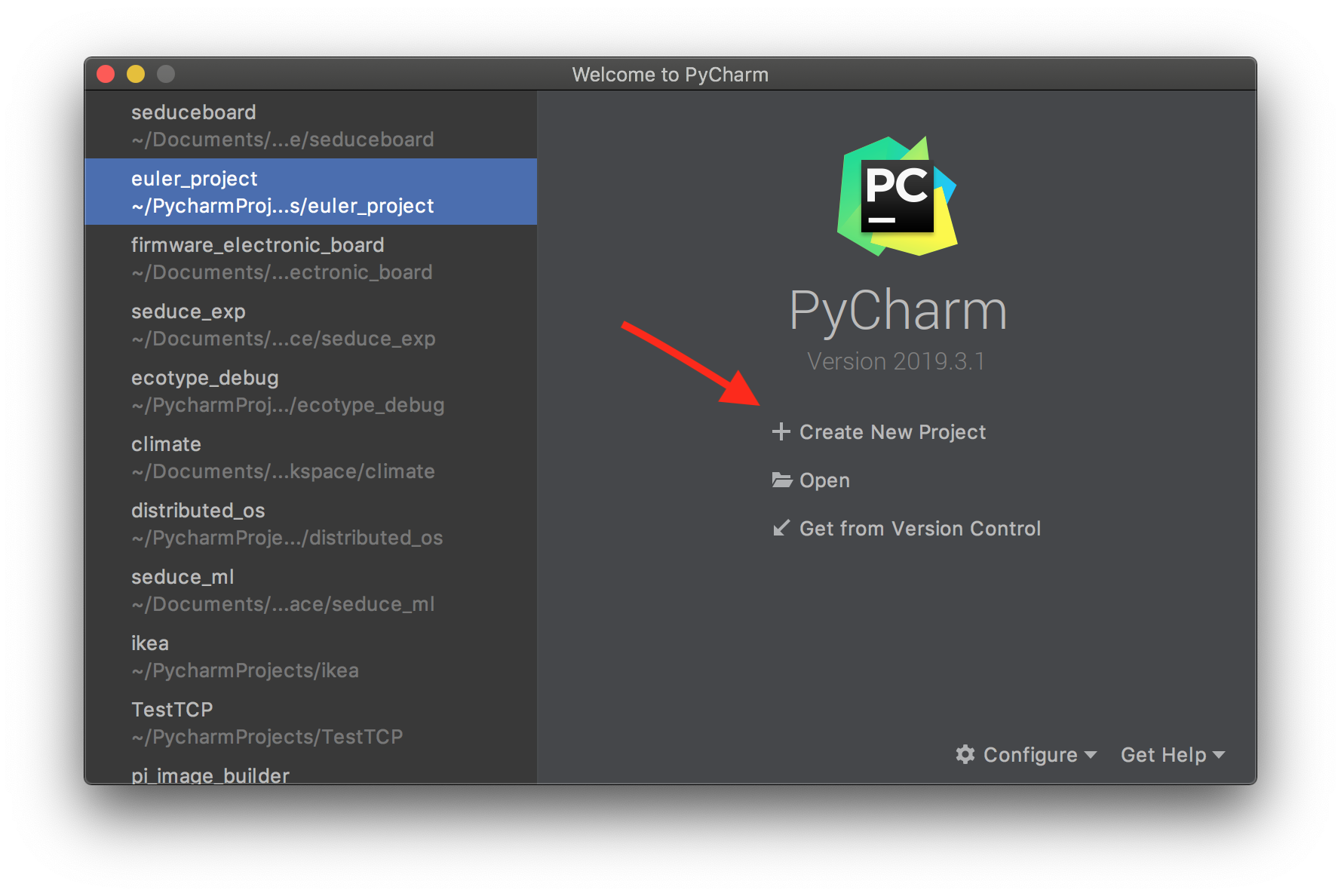
In PyCharm open the seduceboard project as follow:
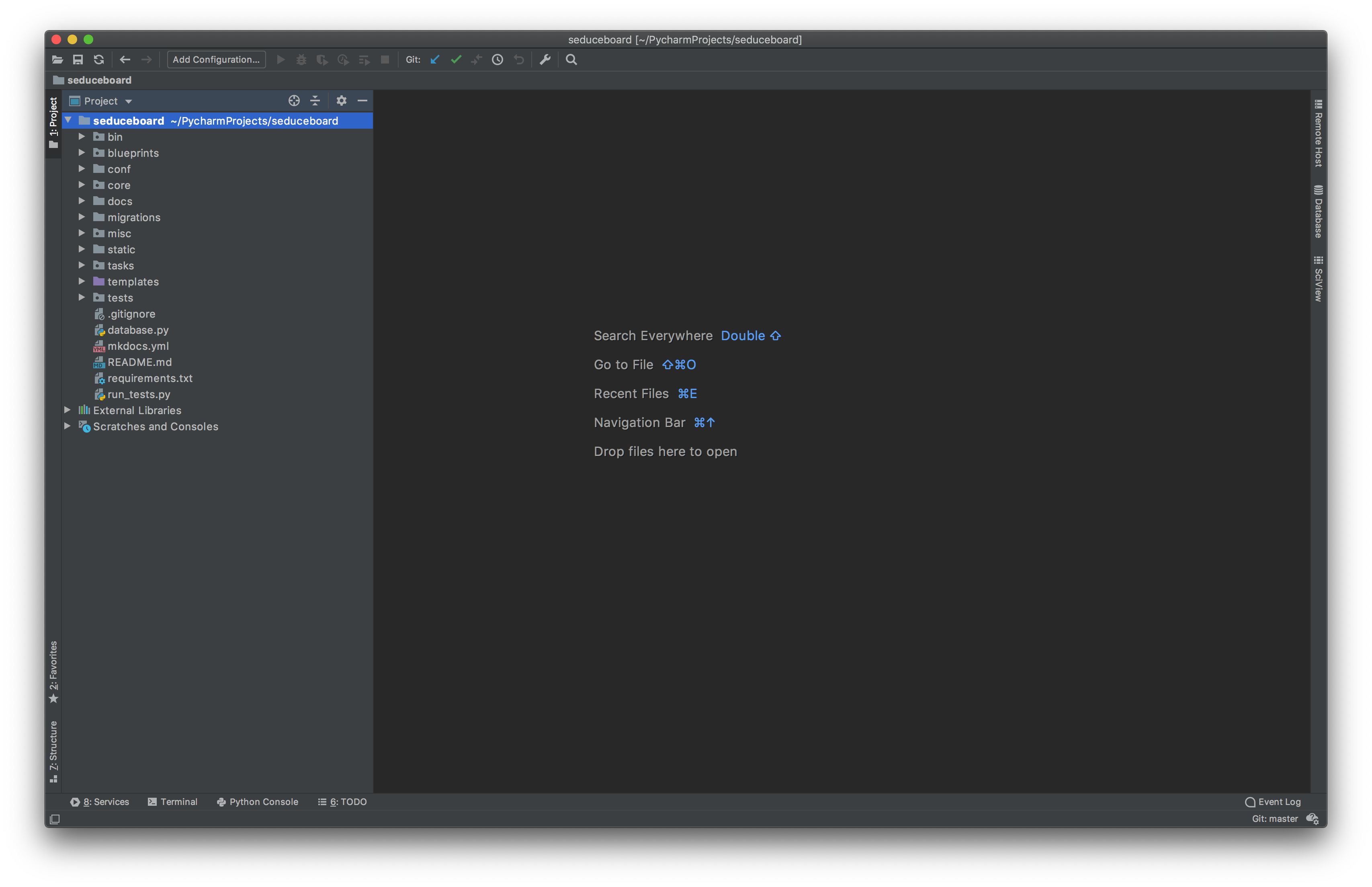
Once the project is loaded (and the indexation finished), go to the project preferences and then Project Interpreter:
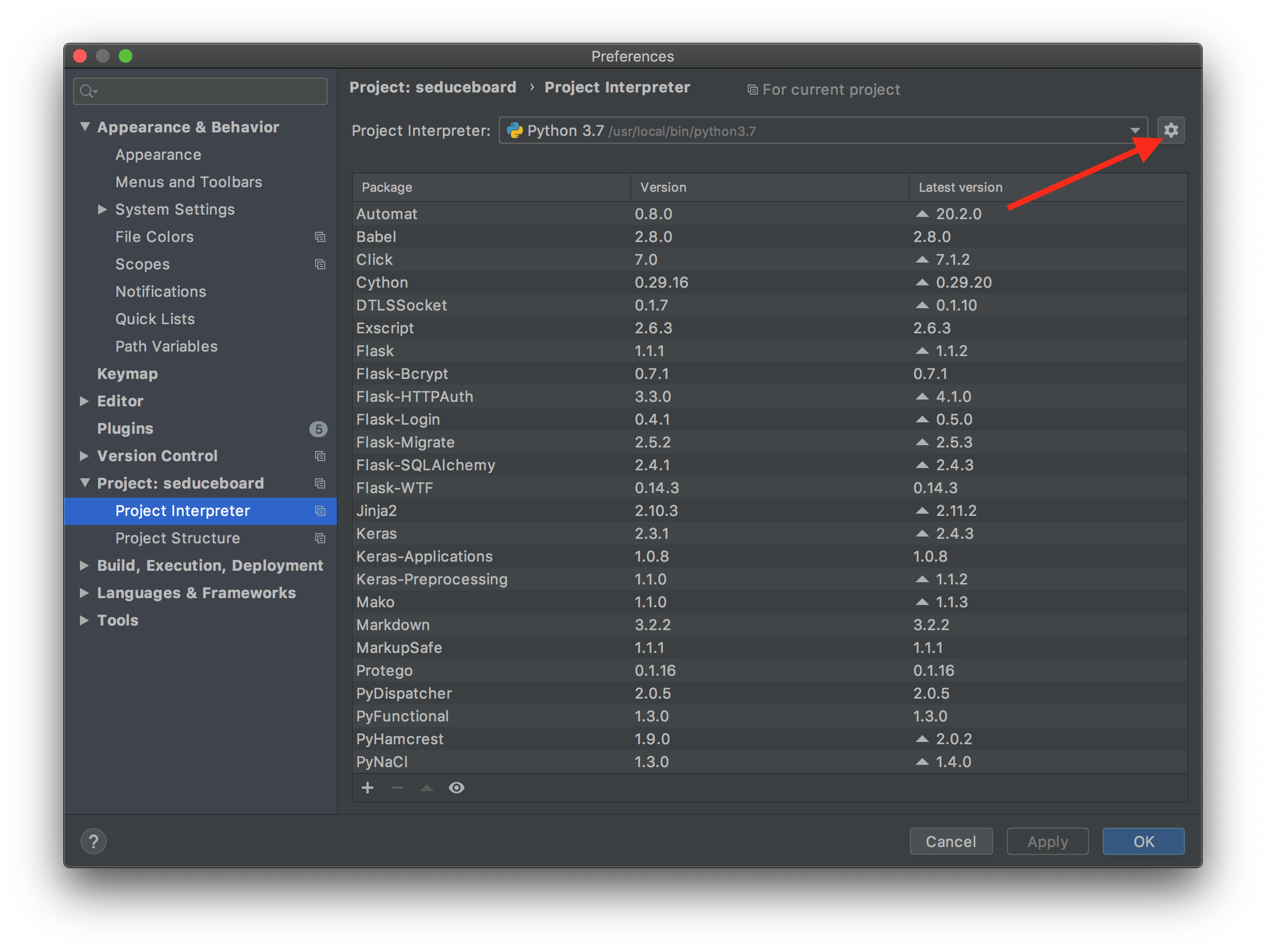
Click on the gear icon on the top right corner to view options to create new python interpreter:
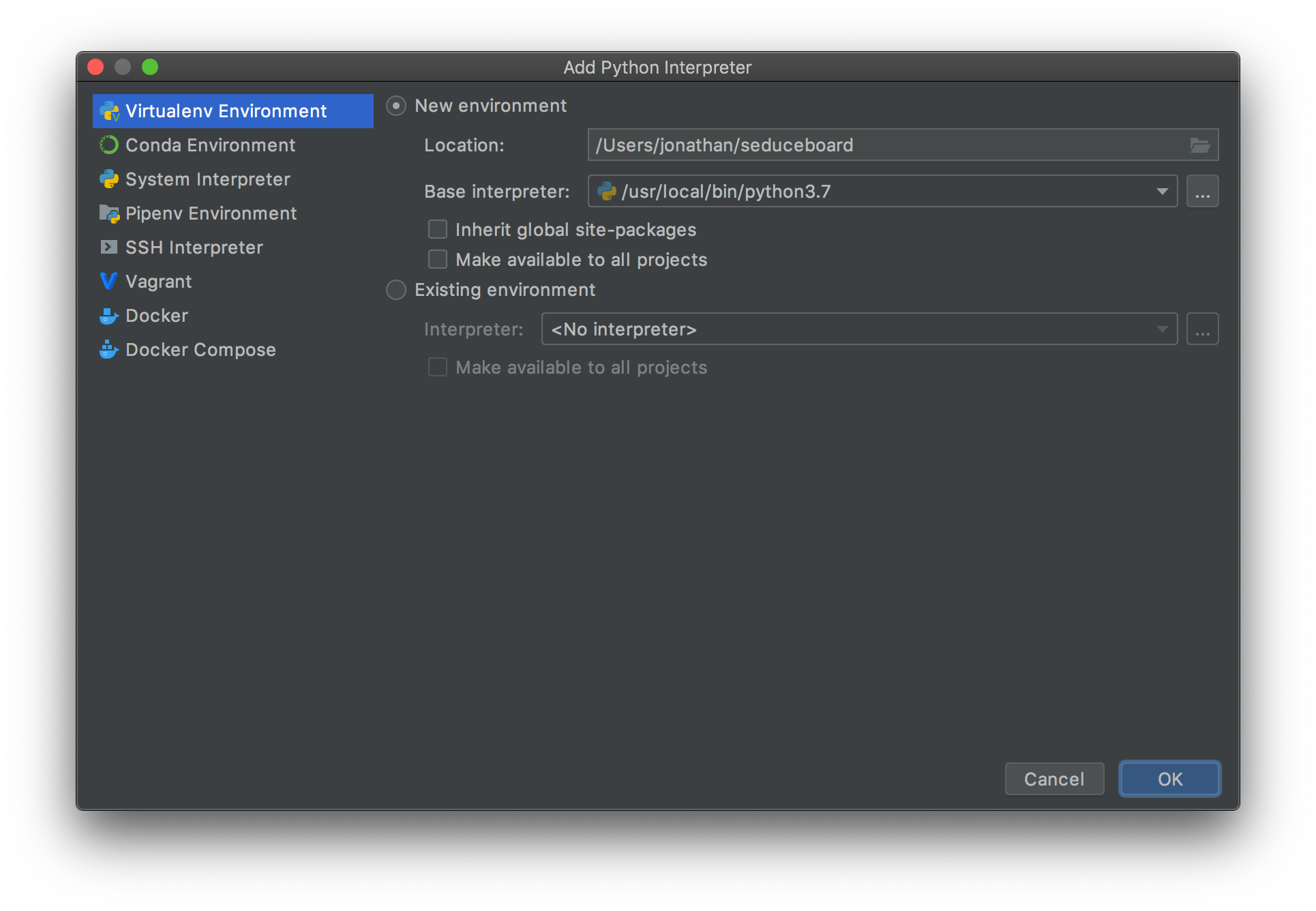
Select Virtualenv Environment and create a virtual environment (avoid to place in the project folder):
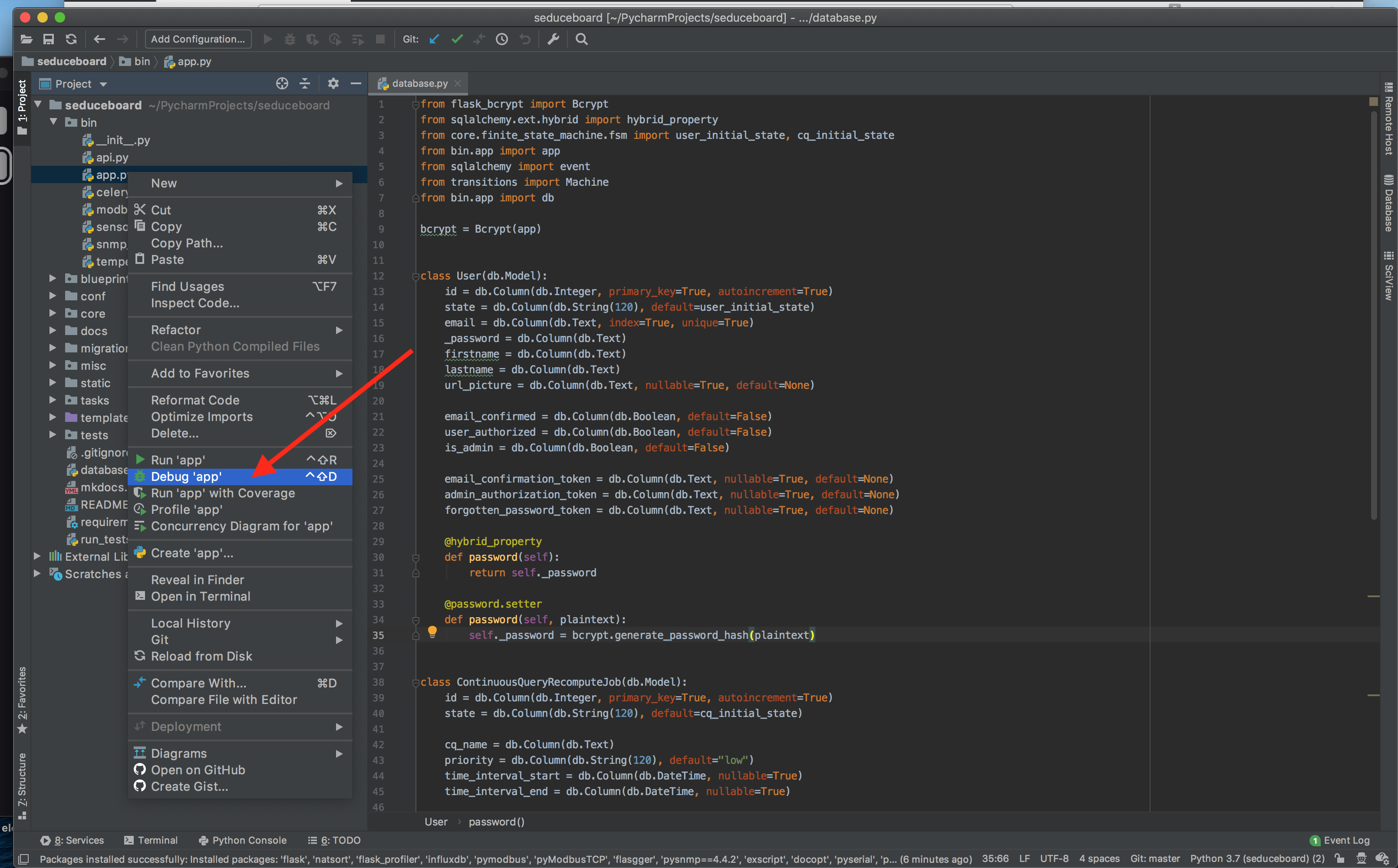
Right click on bin/app.py and select Debug app:
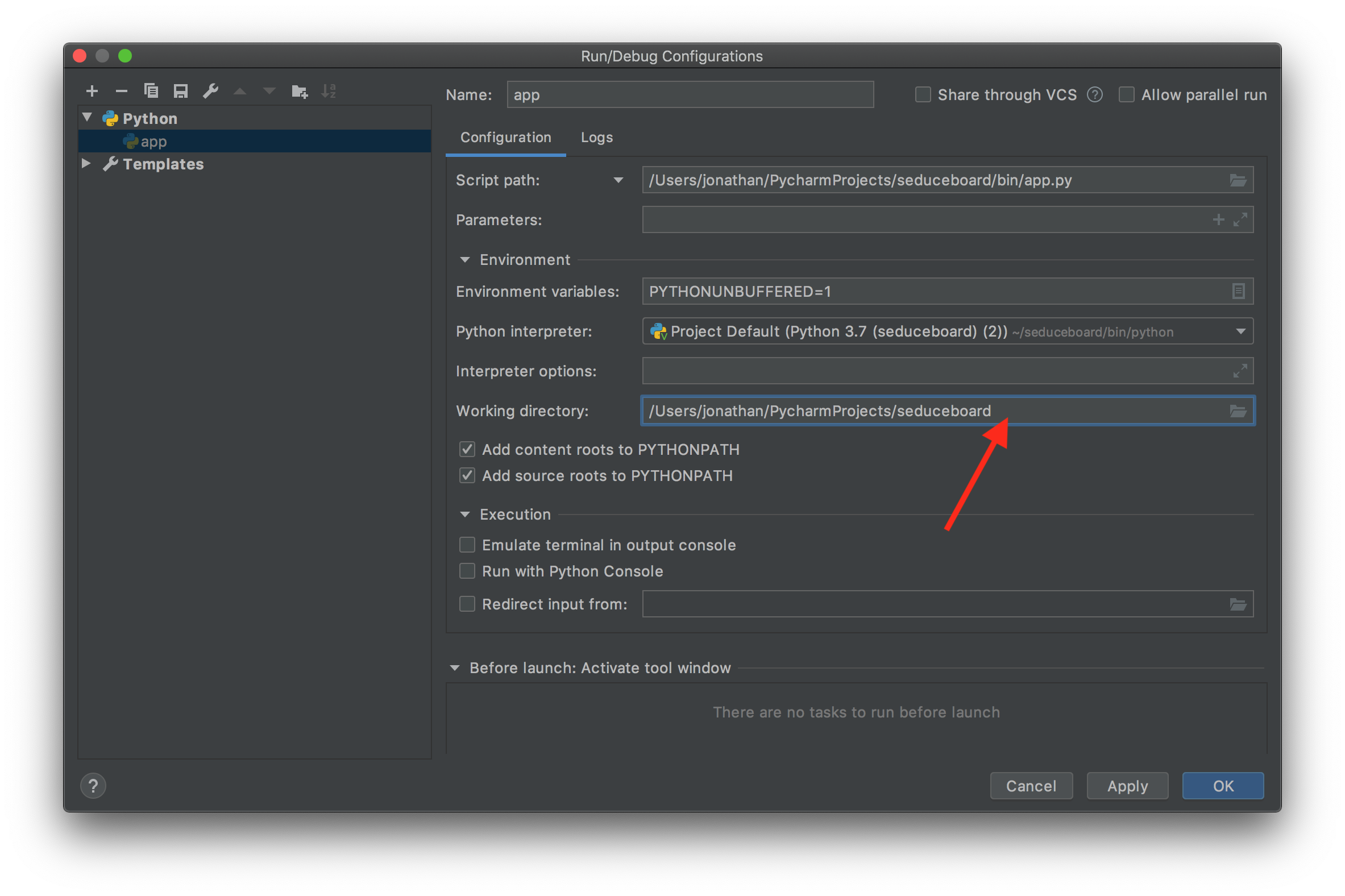
Ensure that the working directory corresponds to the path of the project (i.e. remove bin/):
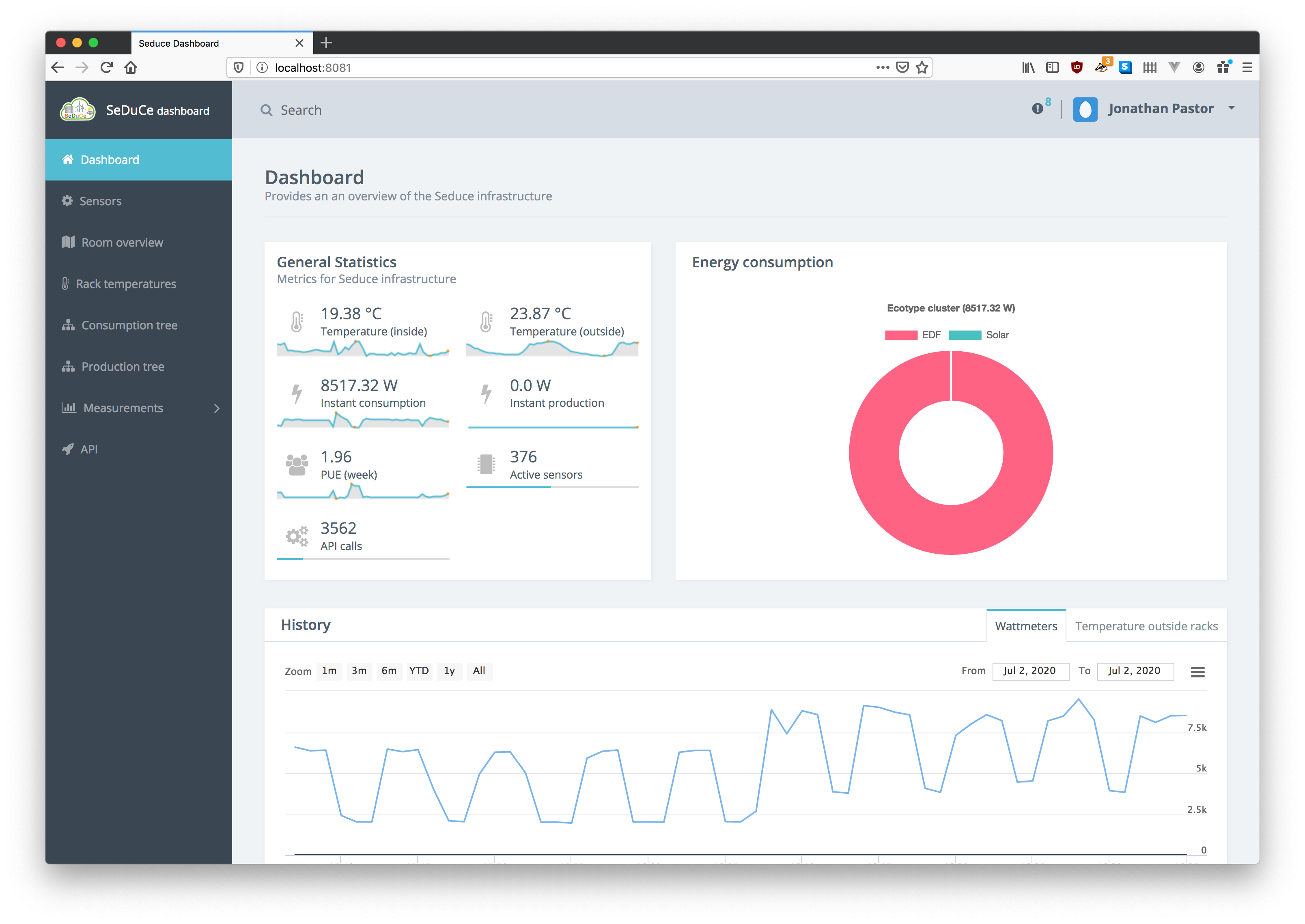
Launch the script, and you should be able to access the dashboard on port 8081: